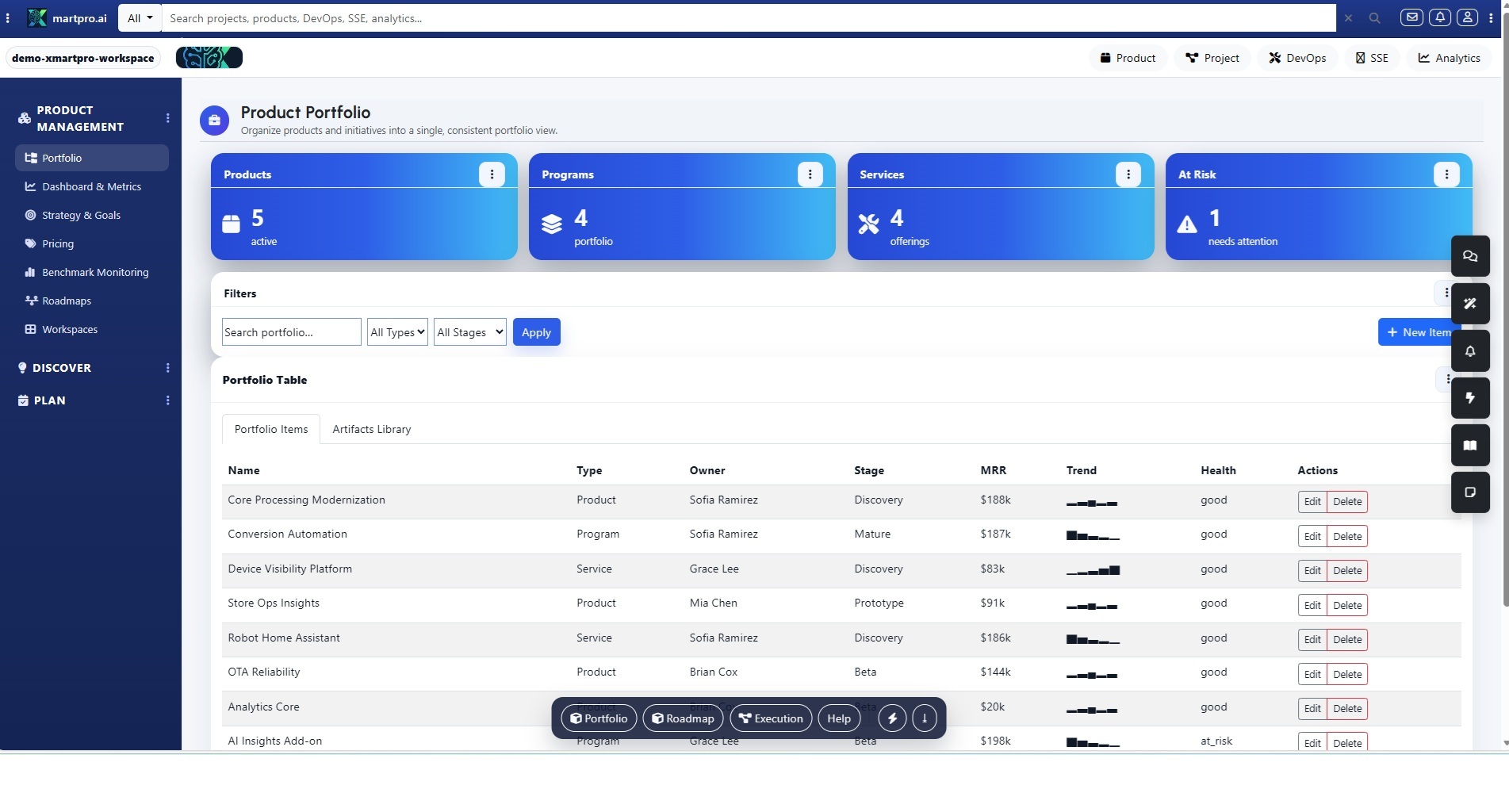
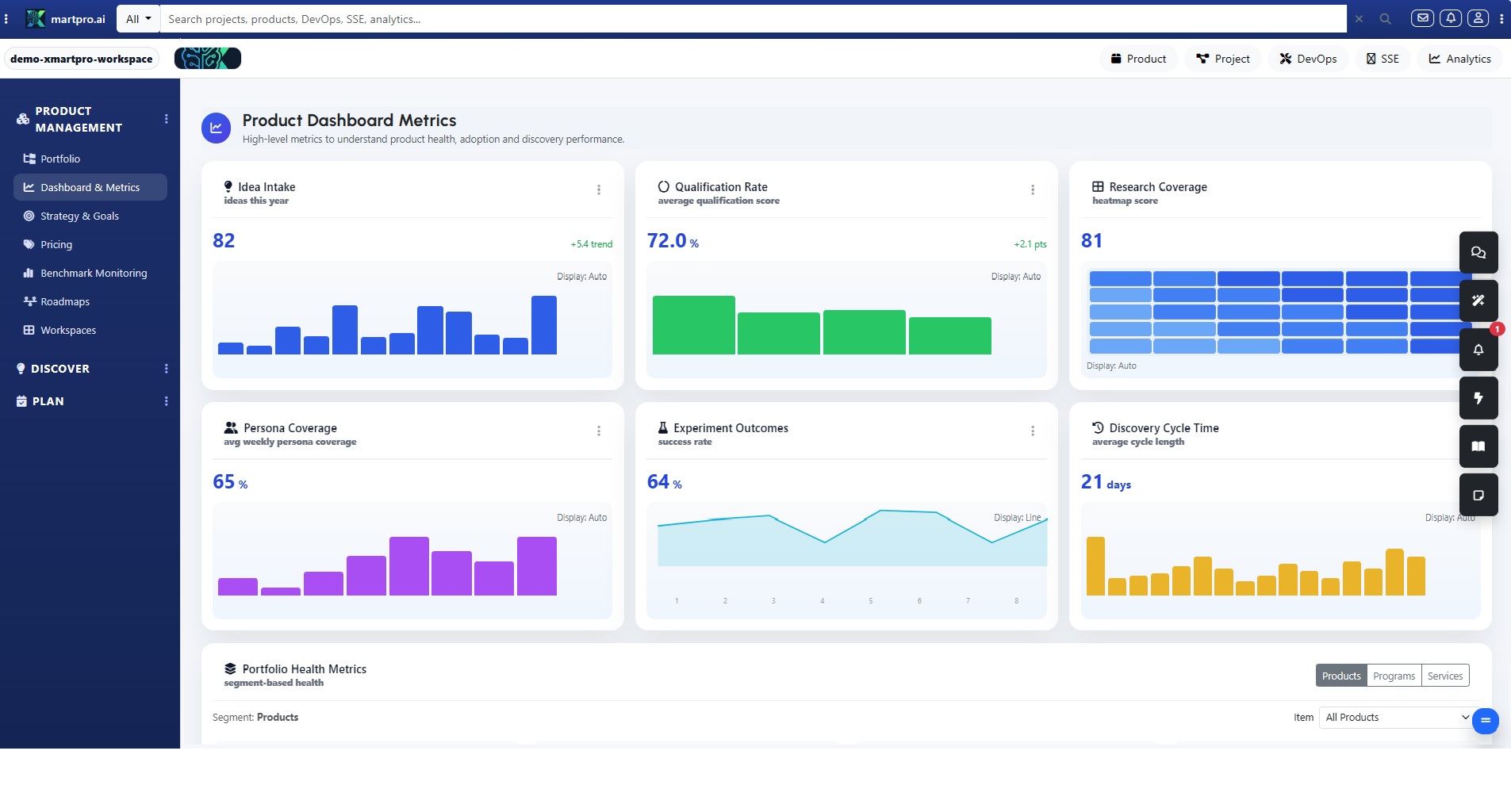
The use cases presented during the initial launch are a dynamic approach to motivate the use of Xmartrpo.ai solution, the name of the companies used for this launch are ficticious. This use case makes reliability a product outcome, not a firefight. When Support and Product work in separate tools, context gets lost and customers feel the delay. In the Project section, you bring both worlds into one connected workflow: issues become structured work, knowledge becomes evidence, and recurring pain becomes measurable epics. The result is a calmer operation, clearer priorities, and releases that directly reduce incidents while improving the end-to-end customer experience.
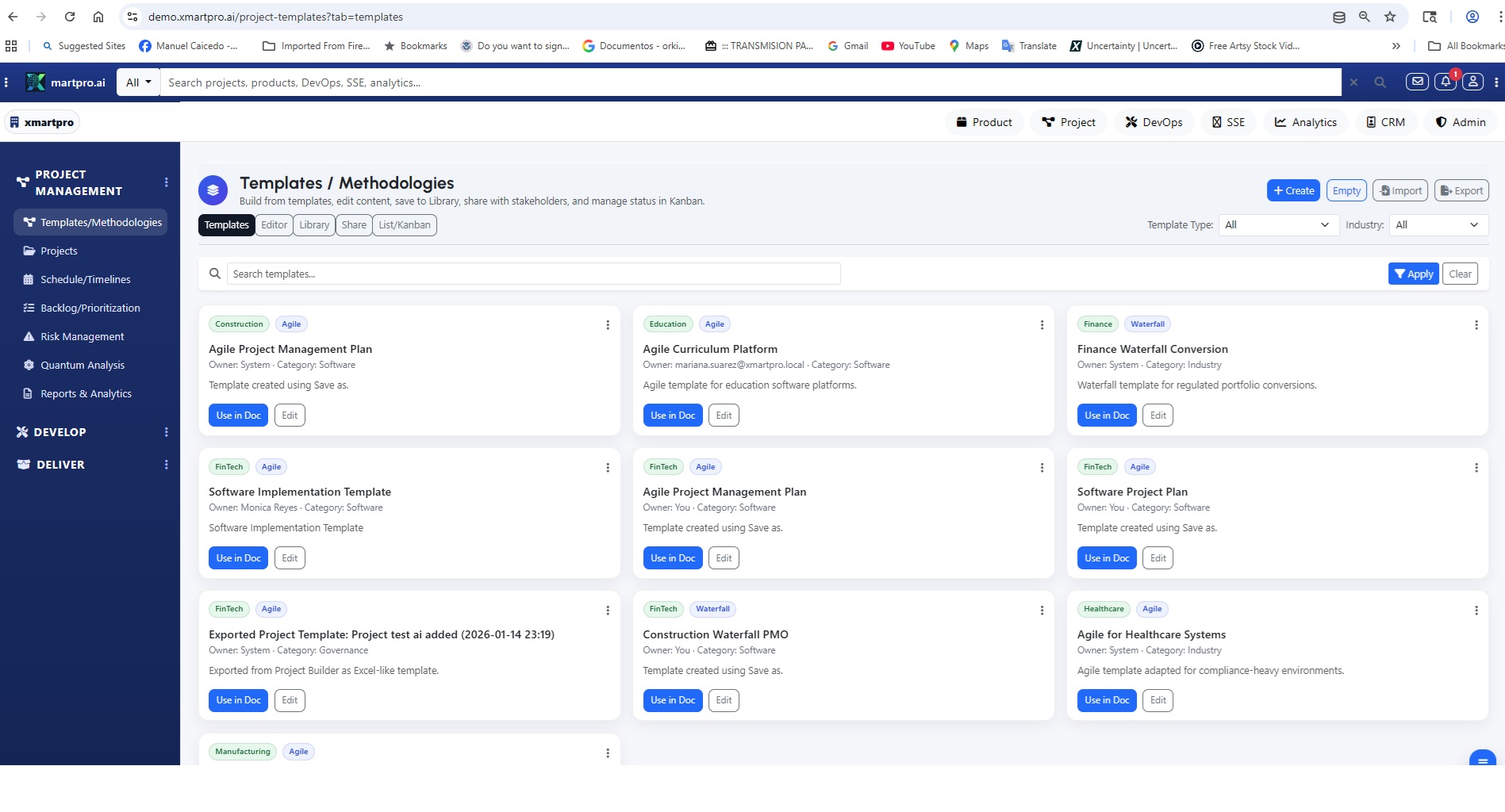
Start in Project Management → Templates/Methodologies and create a “Reliability Intake” template. Define required fields like severity, impacted feature, customer segment, reproduction steps, logs/screenshots, and expected behavior. Add a scoring rule (impact × frequency × effort) and a default definition of done. This template becomes your shared language: Support captures the signal with consistency, and Product receives backlog inputs that are already structured, comparable, and ready for action.
Next, open Project Management → Projects and create a program such as “Reliability & CX Improvement.” Set outcomes upfront: reduce repeat incidents, cut MTTR, increase self-serve deflection, and lift CSAT. Add stakeholders, owners, and a reporting cadence, then connect Schedule/Timelines and milestone checkpoints. This project becomes the home for everything that matters—incidents, insights, epics, sprints, deliverables—so leaders see progress tied to metrics, not scattered updates, meetings, and opinions.
Now use Backlog/Prioritization to turn incidents and top issues into real backlog candidates. Import or capture items from support channels, then deduplicate and tag them by component, environment, and urgency. XmartPro.ai keeps each item linked to the original incident evidence, SLAs, and user impact, so engineers don’t start from zero. Prioritize by score and customer impact, then promote the highest value items into stories or work items—without losing the customer narrative behind the ticket.
To convert raw issues into buildable work, move into Develop → Epics, Story Map, and Stories. For each top issue, create an epic when the fix spans multiple stories or services, then map where the failure hits the user journey. Use AI Wizards to draft user stories and acceptance criteria, then refine with your team. Keep criteria testable: inputs, outputs, edge cases, plus non-functional needs like latency, error handling, and observability. This is where reliability stops being vague and becomes executable work.
Knowledge is your discovery engine. In Project Management → Reports & Analytics, review what users search for, what articles they open, and where they drop off. Treat every high-traffic, low-success article as a product signal: confusion, missing feature, or UX friction. Convert these insights into backlog items with the same structure and scoring, linking the article and query as evidence. You can also draft roadmap candidates for content fixes, UI improvements, or product changes—so knowledge turns into action, not just pages.
Recurring issues deserve a bigger lens. When the same incident pattern appears across weeks, tenants, or releases, promote it into an epic with measurable outcomes like “reduce incident rate by 30%” or “cut timeouts in half.” Use Risk Management to capture blast radius, compliance exposure, and customer trust impact. If you need to compare options, run Quantum Analysis to evaluate scenarios (quick patch vs refactor vs new capability) by value, cost, and risk. You’re not just fixing bugs—you’re investing in stability with a clear ROI story.
With priorities set, plan delivery in Develop → Sprint Scheduler. Pull the highest impact reliability stories into a sprint goal like “Reduce checkout timeouts by 40%” or “Increase article deflection for billing issues.” The scheduler keeps scope realistic by capacity, while keeping each story tied to the incident or insight that justified it. During execution, use Work Items for technical tasks and QA - Tests to validate acceptance criteria early, preventing regressions from slipping into production.
Make progress visible with Develop → Execution Reports. Track cycle time, spillover, defect trends, and blocker reasons, then share a single source of truth with Support and stakeholders. Because incidents, articles, and stories are connected, you can answer fast: which fixes are landing, which issues are still trending, and what the expected customer impact is. Support can proactively message customers with confidence, and Product can adjust the backlog based on real signals, not guesswork.
Finally, ship with confidence in Deliver → Milestones, Deliverables, Documentation, and Reports. Release readiness becomes a workflow: confirm QA checks, update knowledge articles, publish change notes, and set monitoring watchpoints. After release, compare incident volume, repeat rate, deflection, and CSAT to the epic’s targets. Then feed learnings back into the backlog. This loop—incident to backlog, knowledge to insight, recurrence to epic—turns reliability into a repeatable system that customers feel.